Guide · Remodeling leads
How to get remodeling leads from Google: the 90-day pyramid, and what holds it up
Google sends remodeling leads three ways: the map, Local Services Ads and search ads. Build them in that order, and each one makes the next cheaper. We fix two tips that Google's rules have overtaken and add the layer most plans skip: answering and following up.
By Ali Kashif, who runs Booked Remodelers · Built on a contractor marketer's 90‑day plan, checked against Google's own help pages · 26 October 2026 · About 10 minutes
How do you get remodeling leads from Google?
Build in layers, the free one first. In the first 30 days, get your Google Business Profile right and start collecting reviews, then add Local Services Ads around day 30, where you pay per lead, and Google Ads around day 60, where you pay per click. Under all three, answer fast and follow up, because Google ranks you on it and homeowners hire on it.
The plan comes from Chuck Kile (Chuck the Contractor on YouTube), a carpenter turned marketer who draws it on a whiteboard in his video Remodel Lead Generation: How I Get Customers For a Remodeling Business. We checked each step against Google's current help pages, fixed two that have changed, and added the slab his pyramid stands on.
Days 60 to 90
You pay per click. It works when the keywords, the call button and the tracking are right.
Days 30 to 60
You pay per lead. Google ranks you on your reviews and how fast you respond.
Every day
Answer fast, follow up every estimate
The layer that turns leads into signed jobs, and jobs into the next reviews.
The order matters because the layers feed each other. Reviews from the bottom layer help you rank in the map and in Local Services Ads. Fast replies count in Local Services Ads too. And the jobs you sign from all of it bring the next round of reviews.
Days 0 to 30: get your Google Business Profile right
Your profile is your listing in Google Maps, and it costs nothing. Set your service areas to the towns you really work in, pick the categories that make you money, and make your name, address, phone and hours match everywhere your business is listed.
- Service areas, by Google's rules. Google's service area help page allows up to 20 areas, no more than about 2 hours' drive from where you're based, and no radius. If you don't serve customers at your address, remove it from the profile.
- Categories that make you money. If bathrooms pay best, make sure the bathroom category is on your profile, then add the related ones you really do. The plan's rule is right: a category you don't want work in only brings calls you'll turn down.
- The same details everywhere. Search your business name and you'll find it on Yelp, Angi, Houzz, the BBB and more. Make the name, address, phone and hours match your website on every one. Here's how we set up and fix directory listings.
One tip to adjust
- Old tip
Start with a tight service area around your shop in a busy city.
- Google's rule now
Google's help page doesn't say a smaller service area ranks higher. Local results depend on relevance, distance and prominence, and distance is measured from the person searching.
Do this: list the towns you really serve, expect the ones nearest you to come first, and grow prominence with the next layer.
Making your profile's categories, services and towns match your website page for page is in our post on how to rank higher on Google Maps.
Days 0 to 30: stack reviews within Google's rules
Ask every client, in person, and send the link the same day. Make it easy with a card that has a QR code and a text you can copy. Don't pay anyone per review, and don't ask for reviews that mention a name or include a photo, because Google's review policy rules out both.
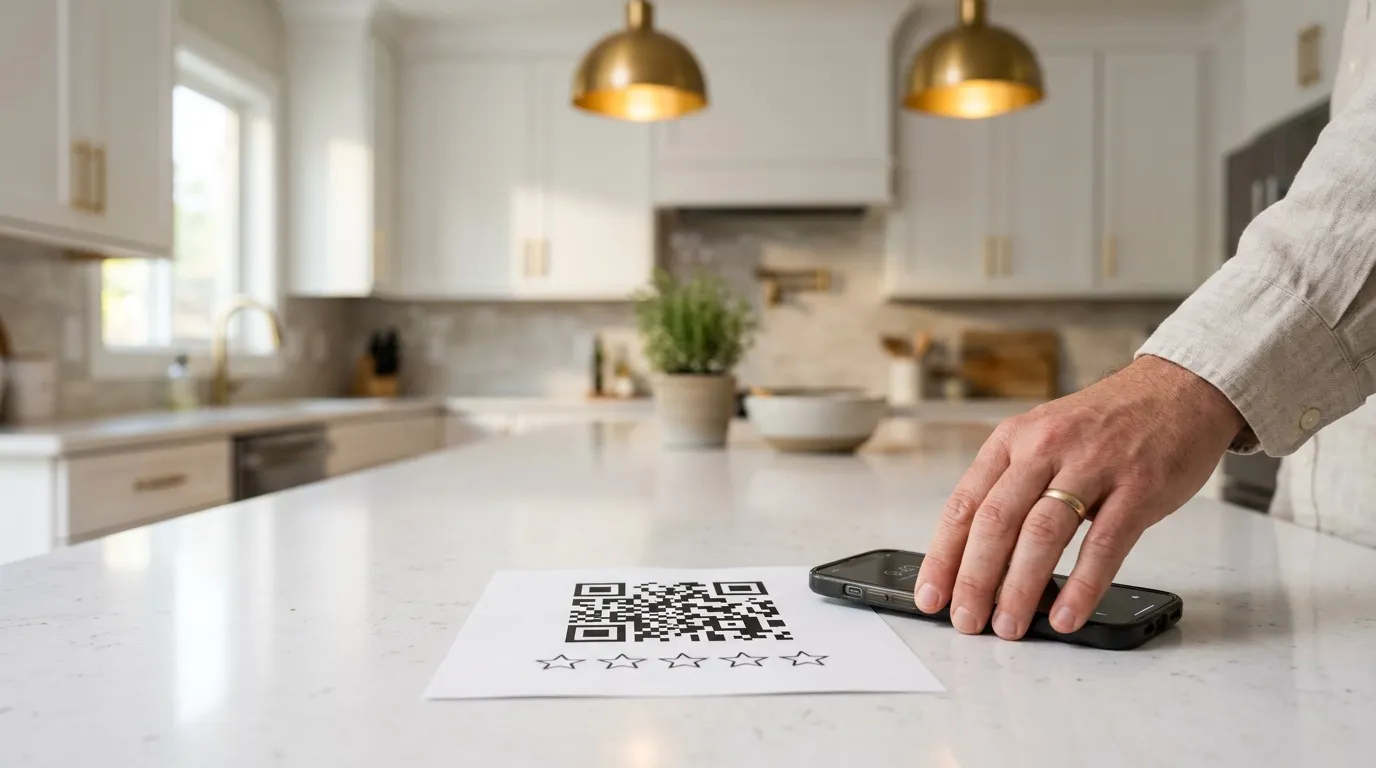
Most of the plan's review advice holds up, starting with asking every client, every time. A remodel runs for weeks, so you have weeks to ask, well before the awkward goodbye.
Two people in one household can each review the work they lived through. And a printed card with a QR code, plus a text template your crew can copy, takes the friction out. Here's one of each.
Thanks for trusting us with your home.
Scan to leave a Google review. It helps the next homeowner find us.
The text to send the same day
Hi [name], it's [your name] at [company]. Thanks again for trusting us with your [project]. If you have two minutes, would you leave us a Google review? Here's the link: [review link]
The handover is the time for a referral card too, kept apart from the review ask: our post on free contractor leads shows how.
Reviews affect who gets the call. In BrightLocal's 2026 survey of 1,002 US adults, 74% looked for reviews from the last three months, 47% wouldn't use a business with fewer than 20 reviews, and 89% expected the owner to respond. Google's own help page says more reviews and positive ratings can help your local ranking.
- The tip to skip: paying your crew per review. The plan suggests $25 or $50 for each review that names a crew member and $100 for one with their photo. Google's review policy says businesses may not offer incentives "in exchange for posting any review", and may not have staff collect "a certain number of reviews" or "reviews that include specific content". A bonus for each review that names someone runs into the first rule and the last.
- Do this instead: reward the asking. Pay a bonus for asking every client at the walkthrough, whatever they write. Then send a thank‑you with the link the same day, and reply to every review. That's how our review requests work.
The video says this layer alone can carry a business, and describes a remodeler in Chicago getting 10 to 20 leads a month with no advertising, just a fixed profile and more reviews than his competitors. That's a client result from the video, not a promise.
Days 30 to 60: Local Services Ads, paid per lead
Local Services Ads show at the top of Google with a verified badge, and you pay per lead instead of per click. General contractor, kitchen remodeling and bathroom remodeling are eligible categories in the US. Google ranks the ads on your bid, how responsive you are, and your profile: rating, number of reviews, response time and verification.
That ranking list, from Google's page on how Local Services Ads rank, is why the map and reviews come first. Turn on Local Services Ads with four reviews and a slow phone, and you're up against remodelers with forty reviews who call back in minutes, on the very things Google ranks.
Getting in takes Google's checks. Its getting started page asks for your license, or your business registration where no license is needed, and reviews depending on the category. Then you choose your job types, where you want leads and your budget.
Answer the phone, because missed calls cost twice
Google's page on how leads work says a missed call during your business hours is charged when the caller stays on the line for more than 20 seconds. A voicemail counts too. So a missed call costs you twice: you pay for the lead, and it works against the responsiveness Google ranks you on.
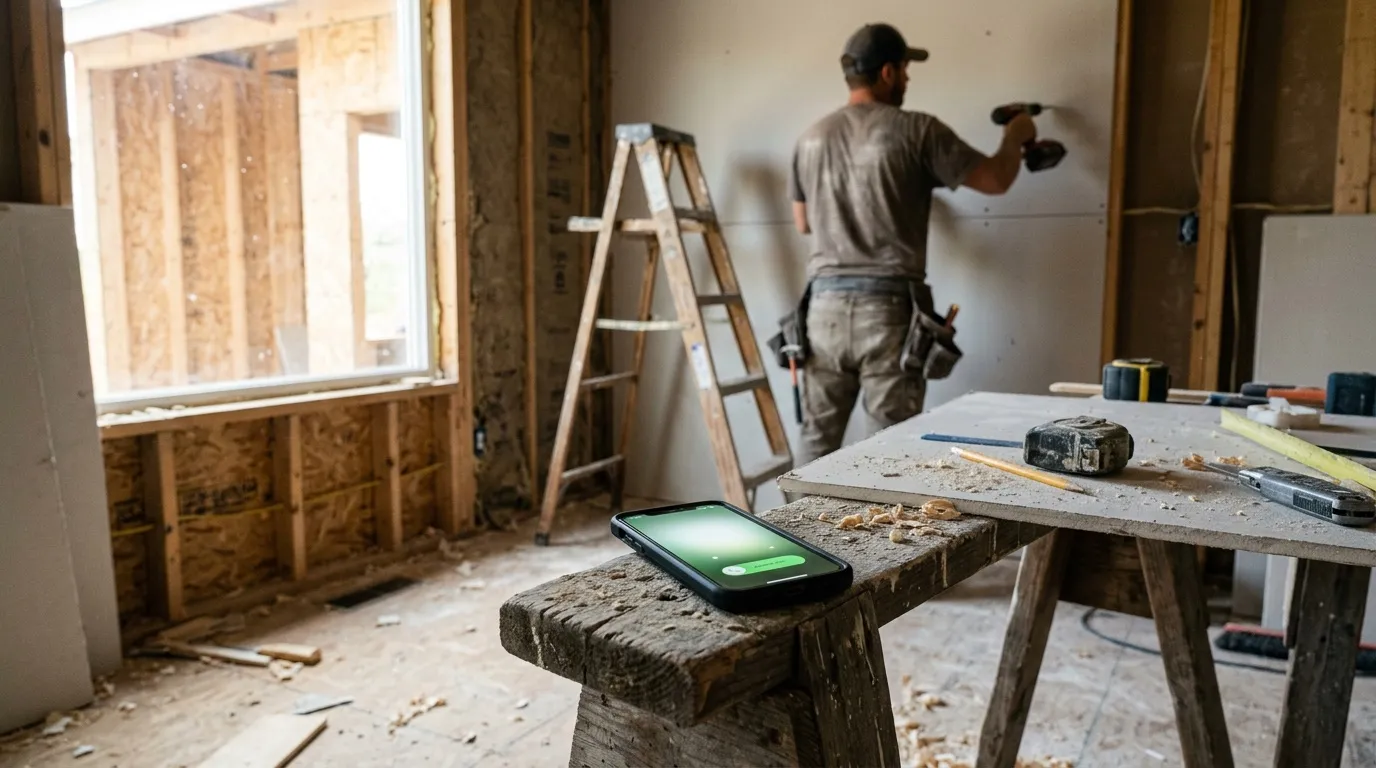
A text back within a minute won't cancel the charge, but it can save the job you already paid for. That's what missed‑call text‑back does, and the after‑hours answering service covers the hours your office is closed.
Rate every lead
The plan tells you to dispute bad leads, but Google has changed that since. It now reviews lead quality for 30 days and credits poor‑quality or invalid leads automatically, and you report a bad lead through the feedback survey on the Leads page. Rate every lead anyway. Google says it uses that feedback to improve its models.
The video's example for this layer is a handyman getting over 200 calls in a month from Local Services Ads and the map together, before he ever ran search ads.
Days 60 to 90: Google Ads, with tracking
Search ads charge per click, not per lead, so they only pay when three things are right: keywords people type when they're ready to hire, your phone number on the ad, and tracking that tells Google which clicks turned into real leads. Get those right and Google finds more people like the ones who called.
- Bid on hiring searches first. "Bathroom remodeler near me" is someone looking to hire. "How much does a bathroom remodel cost" is mostly research, and every click on it costs the same. Leave the research searches to a cost page on your website.
- Put your number on the ad. Your phone number shows with the ad, and the calls are counted for you (Google calls these call assets).
- Track what happens after the click. Count the calls and forms, then mark in Google Ads which of those leads were real (Google's terms for this are offline conversion imports and enhanced conversions for leads). On our own ad pages we count only qualified leads and booked calls.
The click lands on a page, so the page has to do its job too: the service and town in the headline, a price range, reviews and a short form. That's what our websites for remodelers are built around.
The video's example here is a design‑build firm in Tucson selling projects from $50,000 to over $1 million. In the video they get more than one lead a day on less than $5,000 a month of ads, after starting with the map and reviews. Those are a client's numbers as the video tells it, not ours. Whether ads pay at your own budget is the math in is Google Ads worth it for contractors, down to what you can afford per lead.
What holds the pyramid up: answering fast and following up
Every layer above pays for leads, and this one decides how many become signed work. Answer within minutes, after hours too, and follow up every estimate until you hear a yes or a no. Then ask for the review that feeds the bottom layer again.
The call‑tracking company Invoca's 2026 home services benchmarks found only 52% of inbound calls to home services businesses are answered by a person. In Modernize's homeowner research, most homeowners compared at least two quotes before they chose.
Outside remodeling, a 2026 study of freelance hiring in Management Science found a one‑hour delay in replying cut the chance of being hired by 46%. Freelance work isn't remodeling, so read it as a direction.
- A lead comes infrom the map, an ad or a call
- You reply in minutesa text back if you missed the call
- Every estimate followed upday 2, 5, 10 and 21, in your words
- A job is signedthen built, and finished well
- You ask for the reviewwhich lifts the map and the ads
That loop is what Booked runs for remodelers: the first reply in under a minute, estimate follow‑up until you hear back, and review requests when the job is done. For the follow‑up side in detail, our guide to bidding construction jobs shows the check‑ins with a real bathroom bid.
Where should you start?
The plan is meant for both ends of the trade: the one‑person shop that needs a few good jobs nearby, and the growing firm that needs volume for its crews and salespeople. Where you start depends on which you are.
- Booked solid for months? Don't buy leads. Raise your prices or add a crew first. Our contractor markup guide helps with the first.
- Room on the schedule, few reviews? Spend the first 30 days on the profile and reviews before you pay for a single lead.
- Calls going to voicemail? Fix that before Local Services Ads, or you'll pay for the missed ones.
- Need work this month? Local Services Ads if you're eligible, then search ads, with the phone covered and every estimate followed up.
Each layer, and what to do first:
| Layer | What it needs | What to do first |
|---|---|---|
| Google Maps | Your real name, the towns you serve, the right categories, the same details everywhere | Fix the name, service areas and categories on your profile, then make your Yelp, Angi, Houzz and BBB listings match it. |
| Reviews | Asking every client, in person, with the link the same day | Ask every client at the final walkthrough, and text the review link the same day. |
| Local Services Ads | Verification, reviews, and someone who answers in business hours | Check that your category is eligible, start Google's checks, and cover the phone before the ads go live. |
| Google Ads | Hiring keywords, a call button, tracking, and a page that turns the click into a request | Pick a short list of hiring searches, put your number on the ad, and set up tracking before you spend. |
| The base | A reply in minutes, after hours too, and a follow‑up on every estimate | Text back every missed call, and put a day 2, 5, 10 and 21 check‑in on every open estimate. |
Rather hand a layer over? Here's how we run lead generation for contractors, layer by layer.
Not sure which layer you're missing? The free Missed Jobs Test shows who's in the map top 3 in your towns, tests your follow‑up, and tells you what to fix first, whether you hire us or not.
Stop losing jobsBooked · the follow‑up system
One signed bathroom job pays for about two years of Booked
More leads only pay if someone answers them fast and follows up every estimate. Booked does both for you, in your words: a text back in under a minute when you miss a call, and each estimate followed up on day 2, 5, 10 and 21.
Booked
$297 a month
Start today: $774, then $297 a month month to month
$774 is your first month plus the one‑time $477 setup. Stop any month with 30 days' notice.
- Estimate follow‑up until you hear yes or no
- Old leads and past customers brought back
- A review request after every job, with follow‑ups
- Instant reply to every new inquiry, and a booking link
- Missed‑call text‑back and call connect
- Estimate visit confirmations and reminders
- One inbox and the mobile app
- Bonus 2 months of social posts, written and scheduled
The math: a midrange bathroom remodel costs $26,138 nationally (Cost vs Value 2025), and remodelers keep 29.9% of the price as gross profit on average (NAHB, 2026). That's about $7,800 from one job.
I work from home. Do I have to show my address on Google?
No. Google's own help page says that if you don't serve customers at your business address, you remove it from your Business Profile and set service areas instead: up to 20 of them, within about 2 hours' drive of where you're based. Your profile still shows in the map for the towns you serve.
Do I need a contractor license to advertise on Google?
For the work itself, it depends on your state, so check with its licensing board. For Local Services Ads, Google asks for your license, or your business registration if your trade doesn't need one, as part of its checks before your ads can run with the badge.
Can I pay my crew a bonus for reviews?
Not for the reviews themselves. Google's policy doesn't allow incentives in exchange for reviews, or asking staff to collect a number of reviews or reviews with specific content, like a crew member's name. A bonus for asking every client at the walkthrough keeps you inside the rules.
How long does it take Google Maps to bring leads?
There's no fixed timeline. Profile fixes and new reviews can show within weeks, and reaching the map top 3 for your main service in a busy town usually takes months. The towns closest to you come first, because Google weighs how far you are from the person searching.
Are Local Services Ads worth it for remodelers?
They can be, if you're eligible, you have reviews, and someone answers the phone in business hours. You pay per lead, not per click, and Google ranks you on your reviews and response time. A missed call in business hours is still charged when the caller stays on the line more than 20 seconds, so cover the phone before you turn them on.

Free Missed Jobs Test
Find out who's taking your jobs, and what it's costing you. Free.
We test your business the way a homeowner does, then show you in dollars which jobs you're losing and who gets them. One 30‑minute call, with your fix‑first plan.
4.8 out of 5 from 3,668 reviews14,300+ orders completed on Fiverr9 years in local SEO
You walk away with
- What a homeowner gets back from you after hours: a call and your form, timed
- Where you show on Google in your best towns, and who shows above you
- Your website on a phone, through a homeowner's eyes
- What it costs you a year, and the 3 fixes that win the most back
Free. We run the tests before your call.