Blog · Reviews
How to ask customers for reviews: the words, the timing and Google's rules for remodelers
The homeowner is standing in a finished bathroom, telling you it's better than they imagined. That's the moment to ask. It's easy to mean to and not get to it, or to ask once and never send the link. Here's how to ask customers for reviews without it feeling awkward: what to say at the walkthrough, the texts to send after, and the Google rules that a lot of review advice breaks.
By Ali Kashif, who runs Booked Remodelers · Checked against Google's own help and policy pages · 3 November 2026 · About 8 minutes
Why every finished job needs a review
Homeowners read reviews before they call, and they look for recent ones. In BrightLocal's 2026 survey of US consumers, 74% look for reviews from the last three months and 47% won't use a business with fewer than 20 reviews.
Google says it plainly too: "More reviews and positive ratings can help your business's local ranking." So reviews help twice, once with Google and once with the homeowner comparing you with other remodelers.
A remodeler finishes far fewer jobs in a year than a plumber or a house cleaner. Every job that ends without a review is a bigger share of the year's chances, and an old pile of reviews from 2022 looks like a business that slowed down.
How to ask customers for reviews: start at the final walkthrough
Ask in person at the final walkthrough, while the homeowner is standing in the finished room. Then send your Google link the same day, because the review itself gets written later, on their own phone, when they have five quiet minutes.
Whoever does the walkthrough should ask: you, your project manager or your lead carpenter. The homeowner trusts the person who built it more than a text from the office.
Ask once in person, kindly, and leave it with them. Google's policy says businesses "should not require or pressure users to leave ratings or write reviews while on the premises." In a remodel, the premises are their home. Asking at the walkthrough is fine. Handing them your tablet and waiting while they type isn't.
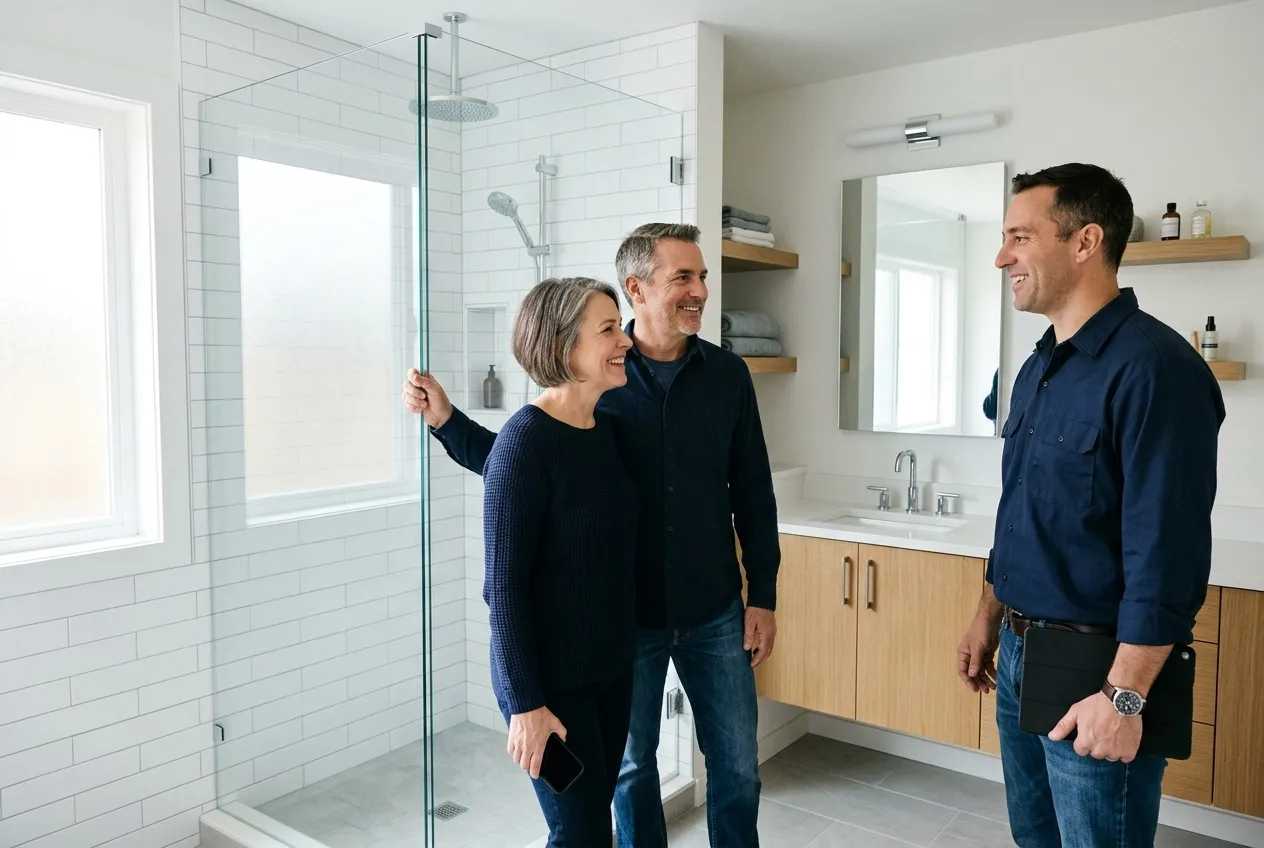
On a long job, don't ask halfway through, when the kitchen is still a plywood counter and a dumpster. Wait for the finished room and the signed‑off punch list.
How to ask for Google reviews: the words to use
Keep it short, ask for an honest review, and make it one tap. Here's the sequence for one job, from the walkthrough to day 7.
1At the final walkthrough, in person
Example
We're really glad you're happy with it. Would you leave us an honest review on Google? It's how the next family decides whether to call us. I'll text you the link tonight, so there's no rush.
2The same day, by text and email
Example
Hi Karen, it's Mike from Larkmoor Remodeling. Thanks again for trusting us with your bathroom. Here's the link to leave a review on Google: [your link]. It opens straight to the review box. Mike
312 hours later, by text, if there's no review yet. Sent in daytime hours only
Example
Hi Karen, just in case it slipped, here's that review link again: [your link]. Thanks either way. Mike
424 hours later, by email
Example
Subject: Your new bathroom
Hi Karen, thanks again for trusting us with your bathroom. Here are a few before and after photos of the finished room.
If you have a minute, here's the link to leave a review on Google: [your link]. Mike
Attach two or three before and after photos. An email is easy to forward and easy to find again later.
5Day 7, by text, then stop
Example
Hi Karen, how is everything holding up? If anything needs a look, reply here and we'll set up a visit. And if you haven't had a chance yet, here's the review link once more: [your link].
Karen and Mike are example names, and Larkmoor Remodeling is our example business, not a real company. Put your own words in. After day 7, stop, because more messages start to feel like pressure. Text only the customers who agreed to get texts from you, and email the rest.
Where to get your Google review link
In your Business Profile, select Read reviews, then Get more reviews. You can copy the link or download a QR code, and Google notes that the QR code can only be made on a computer browser, not on a phone. Google's own suggestions for where to put it include receipts and thank‑you emails. For a remodeler, that means the final invoice, the thank‑you email with photos, and a card or a QR code on your phone at the walkthrough.
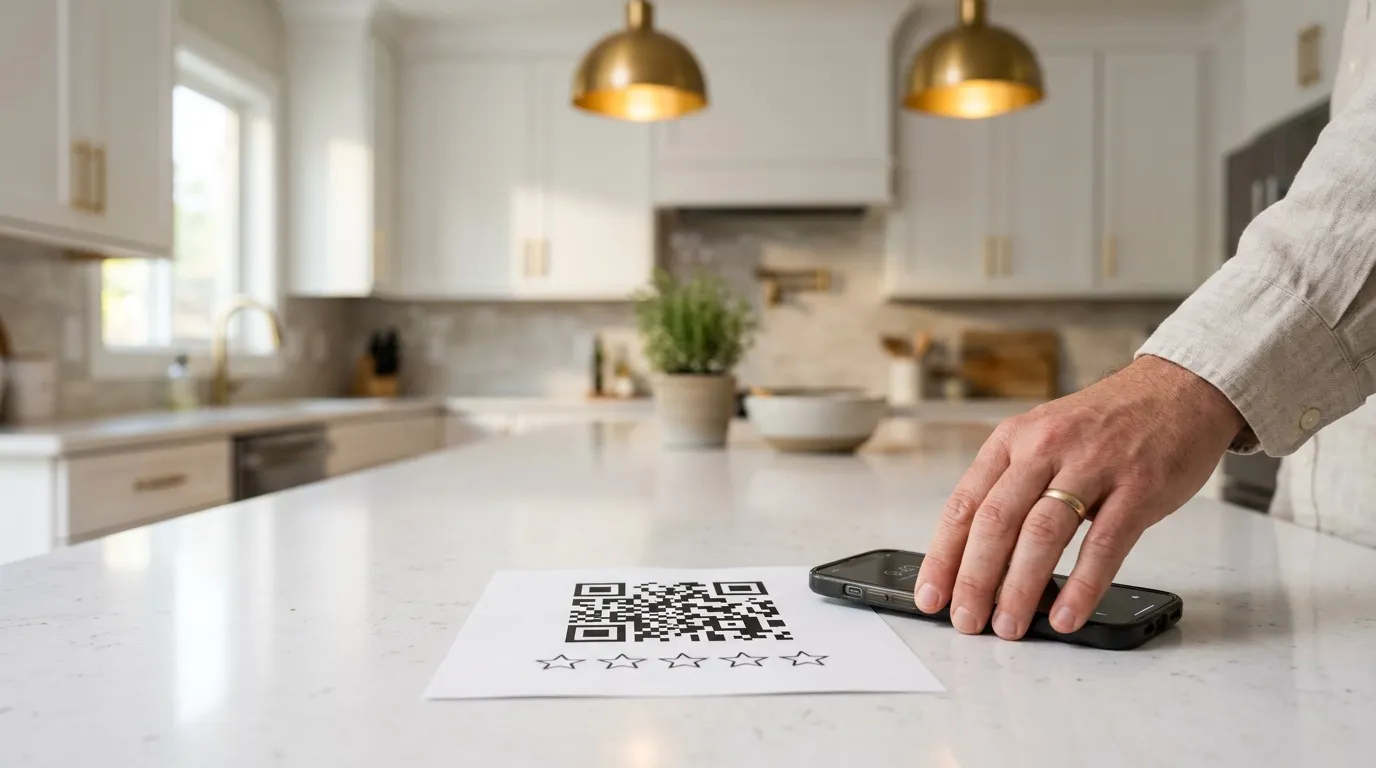
Customers have to be signed in to a Google Account to leave a review, Google says, so a homeowner without one will see a sign‑in screen first.
Google's rules: what not to do when you ask
No rewards, no asking only the happy customers, no pressure in their home, and no telling them what to write. Google's user content policy covers all four.
- No discount, gift card or freebie for a review. Google's help page is direct: offering incentives "like free or discounted goods or services, to customers in exchange for reviews is considered fake engagement and is strictly prohibited." A few hundred off the final invoice counts.
- No asking only the happy ones. Businesses may not "selectively solicit positive reviews from customers". A text that says "loved it? review us, not happy? call us" is the classic version, called review gating. Every customer gets the same link.
- No telling them what to write. Google says businesses should not "request that specific content be included", and lists asking for reviews that name a staff member as an example. Some SEO advice still tells contractors to ask homeowners to mention "kitchen remodel" and the town, which is exactly the kind of content Google asks businesses not to request. Ask for an honest review and let them use their own words.
- No review quotas for your crew. The same policy names "merchants requesting that staff solicit a certain number of reviews". Track reviews per job for yourself, but don't pay the crew per review.
What Google does allow is simple: asking customers to post about "a genuine experience, without offering incentives to do so or attempting to influence the rating or the contents of the review." The FTC's rule on consumer reviews and testimonials, in force since 21 October 2024, covers fake and misleading reviews at the federal level too.
Referrals are a separate ask with their own rules. Our post on free contractor leads covers referral cards and the state laws to check first. Keep the two apart, so a reward for a referral never sits next to a review request.
Turn it into a habit that asks every customer
One ask is easy to forget, for you and for them. A short sequence catches the customers who meant to leave a review and didn't, and it stops after day 7, so nobody gets chased.
You can run it by hand from a list, or let a system send it. Either way, keep one number: new reviews divided by jobs finished, each month. If ten finished jobs brought three reviews, you know the habit is slipping, usually at the in‑person ask.
Don't forget the customers from before you started asking. One short email to past clients, with a photo of their job and your link, can bring in reviews from people who were happy years ago and were never asked.
Reply to every review, good or bad
Homeowners read your replies too. In BrightLocal's 2026 survey, 89% of consumers expect the business to respond. A short, specific thank‑you to a five‑star review and a calm, fair reply to a bad one both help with the next homeowner who reads them.
Google's own tips for replies are worth following: personalize the reply, apologize when it's appropriate, keep it "conversational, not promotional", never share the reviewer's private information, and respond in a timely manner. Google also says "a mix of positive and negative feedback often feels more trustworthy."
- To a five‑star review (Example): "Thanks, Karen. That shower was a fun one to build, and we're glad the bigger window made the difference you hoped. Enjoy it."
- To a two‑star review (Example): "Dan, I'm sorry the cleanup at the end didn't meet the standard we promised. That's on us. I've called to set up a time to come back and finish it properly."
Call the unhappy customer before you reply in public, if you can. Our guide on how to rank higher on Google Maps covers the rest of the profile, and our Google Business Profile service handles requests and replies every month.
Not sure what's holding your Google profile back? The free Missed Jobs Test looks at who you're up against in your towns, what a job is worth to you, and what to fix first, whether you hire us or not.
Get my free Missed Jobs TestBooked · the follow‑up system
One signed bathroom job pays for about two years of Booked
More leads only pay if someone answers them fast and follows up every estimate. Booked does both for you, in your words: a text back in under a minute when you miss a call, and each estimate followed up on day 2, 5, 10 and 21.
Booked
$297 a month
Start today: $774, then $297 a month month to month
$774 is your first month plus the one‑time $477 setup. Stop any month with 30 days' notice.
- Estimate follow‑up until you hear yes or no
- Old leads and past customers brought back
- A review request after every job, with follow‑ups
- Instant reply to every new inquiry, and a booking link
- Missed‑call text‑back and call connect
- Estimate visit confirmations and reminders
- One inbox and the mobile app
- Bonus 2 months of social posts, written and scheduled
The math: a midrange bathroom remodel costs $26,138 nationally (Cost vs Value 2025), and remodelers keep 29.9% of the price as gross profit on average (NAHB, 2026). That's about $7,800 from one job.
When is the best time to ask a customer for a review?
For a remodeler, at the final walkthrough, when the homeowner is standing in the finished room. Ask in person, then send your Google link the same day, because the review gets written later on their own phone. No published test settles the perfect timing for remodelers, so watch what works on your own jobs.
Can I offer a discount or a gift card for a review?
No. Google's policy says offering incentives like free or discounted goods or services in exchange for reviews is fake engagement and is strictly prohibited. That includes a discount on the final invoice. A referral reward is a different thing, and it should never mention a review.
Is it OK to ask only the customers who loved the job?
No. Google doesn't allow businesses to selectively solicit positive reviews, which is called review gating. Every customer gets the same request and the same link. If a customer is unhappy, call them and put it right, but still don't hold the link back.
Can I ask customers to mention the service and the town in their review?
Google says businesses should not request that specific content be included in a review, and it lists asking staff to get reviews that name a staff member as an example. So ask for an honest review and leave the words to them. If the job was a kitchen in your town, they'll usually say so on their own.
How do I get my Google review link?
Open your Business Profile, select Read reviews, then Get more reviews. You can copy the link or download a QR code. Google says the QR code can only be made on a computer browser, not on a phone. Customers need to be signed in to a Google Account to leave the review.
What should I do about a bad review?
Reply, calmly and soon. Google's tips are to personalize the reply, apologize when it's appropriate, never share the customer's private information, and keep it conversational, not promotional. Call the customer first if you can, and put it right before you reply in public.

Free Missed Jobs Test
Find out who's taking your jobs, and what it's costing you. Free.
We test your business the way a homeowner does, then show you in dollars which jobs you're losing and who gets them. One 30‑minute call, with your fix‑first plan.
4.8 out of 5 from 3,668 reviews14,300+ orders completed on Fiverr9 years in local SEO
You walk away with
- What a homeowner gets back from you after hours: a call and your form, timed
- Where you show on Google in your best towns, and who shows above you
- Your website on a phone, through a homeowner's eyes
- What it costs you a year, and the 3 fixes that win the most back
Free. We run the tests before your call.